
frankviana
Member
- My Satellite Setup
- Satellites/tv
- My Location
- Brazil
Do you have or know some link?The 'Solid' 3.7-4.8GHz are sold by outlets in India

Do you have or know some link?The 'Solid' 3.7-4.8GHz are sold by outlets in India

Do you have or know some link?
 www.satellites.co.uk

This is the only shop that also offered paypal on request, everything else doesn't work and only accepts domestic inquiries.... They also tried very hard to find a solution for shipping...Hast oder kennst du einen Link?
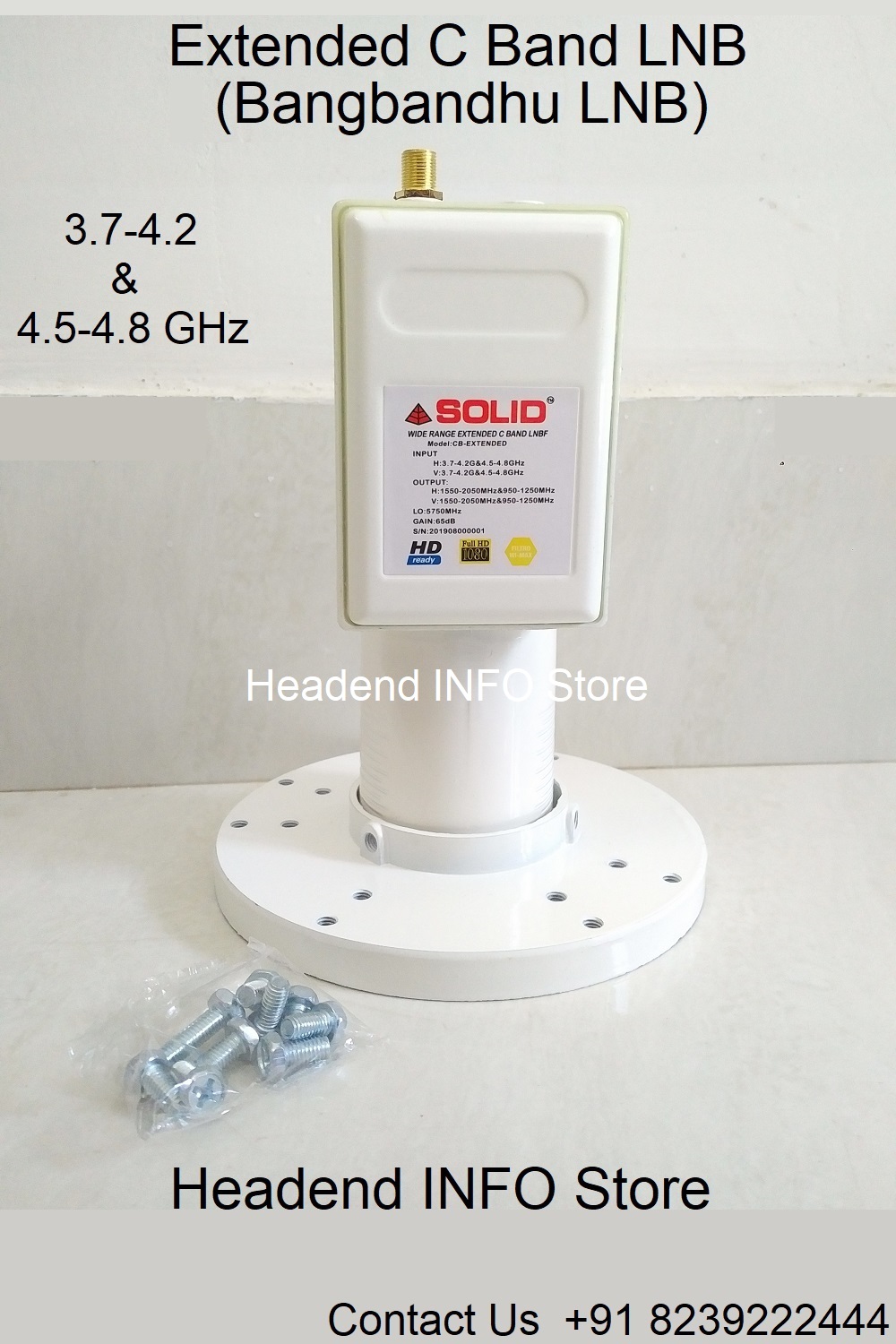
 store.headendinfo.com

65West Extended C-band.
4583. H. 4800. 2/3. DVB-S2 QPSK. FTA.
'Record News HD' . vpid:273. apid:274. SID: 59456
'Record News 1 Seg' . vpid:641. apid:643. SID: 59480
...........................................................................................................................................................................................................................................................................................................................................................................................................................................................................................................
View attachment 145240

Hi,John, I see that you use GTMedia for this. Do you have an E2 receiver as well?
What settings do you have for this extended C-band LNB (LOF1/LOF2/treshold)?

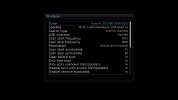
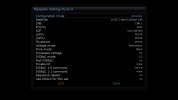

I know what you've been using, the very LNB I got myself. I just have this issue with blindscaning using this particular LNB. I'd like to determine the glitch. Is it my LNB LOF settings or is there Octagon's/Enigma's bug?!
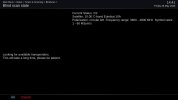
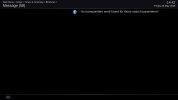
Blindscan with standard c-band LNB settings (LOF 5150) works normal but with this one I get no transponders/channels found.
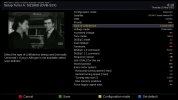
The problem only exist with blindscan, manual scan works fine and channels display normal as well, see the photos bellow.
Do you (or anyone else) know exact treshold value to be used?
Any other idea?
View attachment 149852View attachment 149853View attachment 149854View attachment 149855
I guess you haven't checked my screenshots above.Create a custom LNB in the E2 tuner settings and set it as inverted.
Your screenshot only presents the Inverted status of the LNB, it does not show how you configured the L.O. settings in the tuner configuration.I guess you haven't checked my screenshots above.
Hm, what's the purpose of posting images... you still haven't taken a look...Your screenshot only presents the Inverted status of the LNB, it does not show how you configured the L.O. settings in the tuner configuration.
The issue might be the image you are using. I have no such issues with OpenViX.
Hm, what's the purpose of posting images... you still haven't taken a look...

The LO is set to 5750 for both high and low bands. Is this correct for this LNB?Your screenshot only presents the Inverted status of the LNB, it does not show how you configured the L.O. settings in the tuner configuration.
The issue might be the image you are using. I have no such issues with OpenViX.
The LO is set to 5750 for both high and low bands. Is this correct for this LNB?
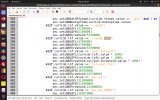
I know what you've been using, the very LNB I got myself. I just have this issue with blindscaning using this particular LNB. I'd like to determine the glitch. Is it my LNB LOF settings or is there Octagon's/Enigma's bug?!
Blindscan with standard c-band LNB settings (LOF 5150) works normal but with this one I get no transponders/channels found.
The problem only exist with blindscan, manual scan works fine and channels display normal as well, see the photos bellow.
Do you (or anyone else) know exact treshold value to be used?
Any other idea?
View attachment 149852View attachment 149853View attachment 149854View attachment 149855
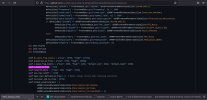
Adjust self.c_band_lo_freq = 5150 in plugin.py (Blindscanplugin) to 5750 and test