Just Sharing This Glamour Aura FHD skin - first public release candidate (RC3)

Great. :)
Take your time.
 
@deepbluesky
../../git/lib/gui/ewidget.cpp:337 ASSERTION t FAILED!
because this is an Enigma2 issue, not a skin issue.
I'm aware of this green screen, it's not new. And it happens with every skin. One workaround is to set hide channel list in radio mode to on. You will miss my fabulous radio screen though. The problem is reproduced when you exit the radio screen to the TV channels (and zap to a new TV channel).

@scopus
The new drivers broke SNR in db in DVB-S/S2 in all SF8008, not working on any skin too. It has been reported, but they don't want to accept the issue. Instead they fixed DVB-T/C SNRdb.

same problem with Mut@nt HD51 SNR also broke
 
same problem with Mut@nt HD51 SNR also broke

Also with Gigablue quad 4k, tried openvix and openatv(normal image). Been trying for days to get it back :-doh wished I'd seen this thread earlier.
 
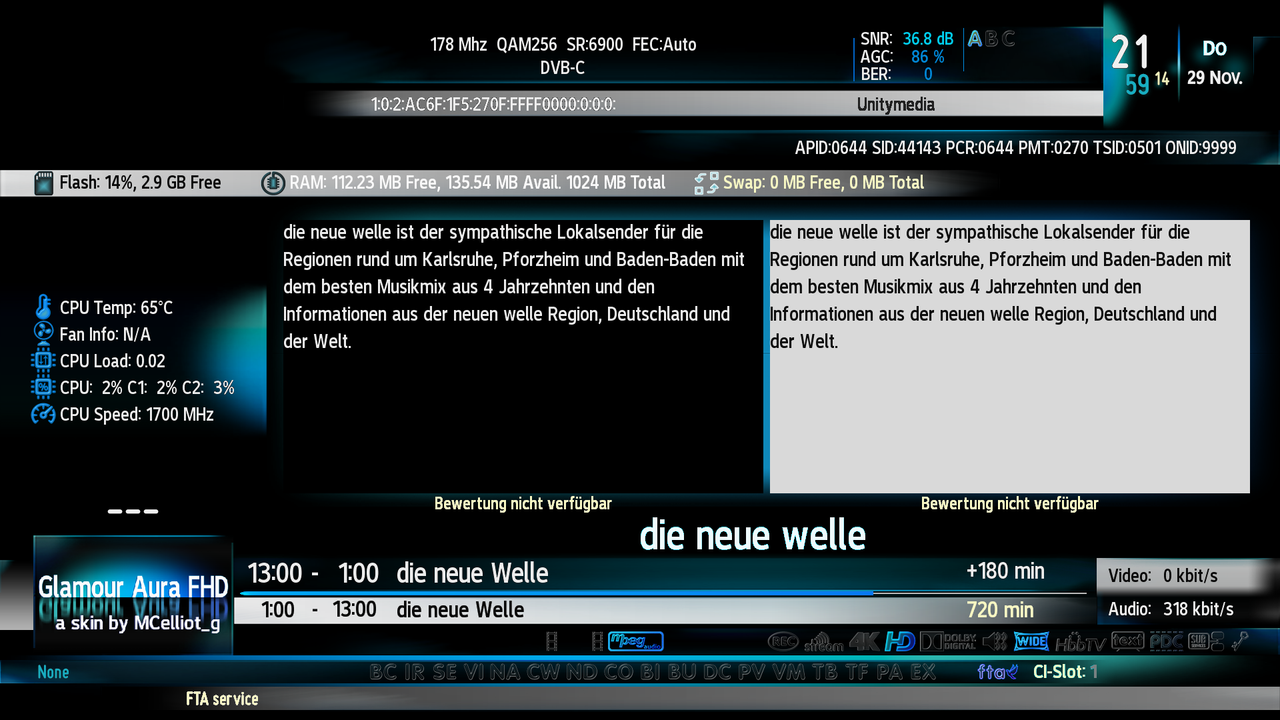
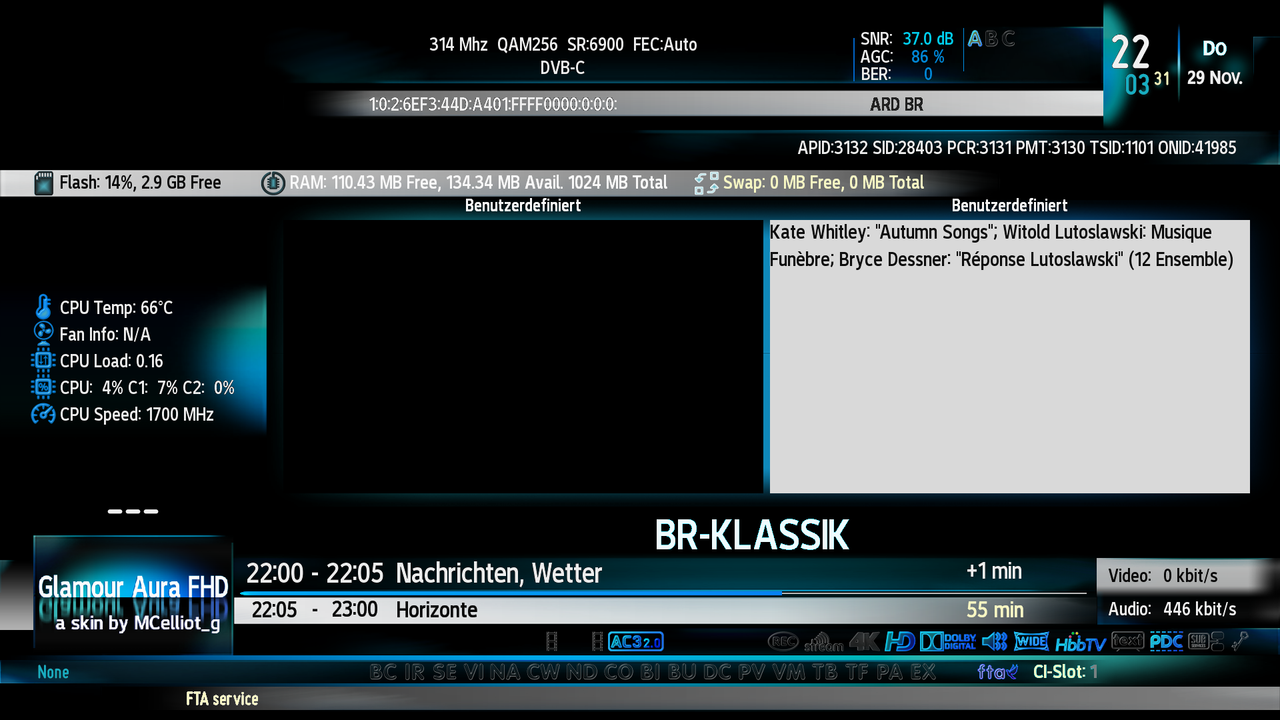
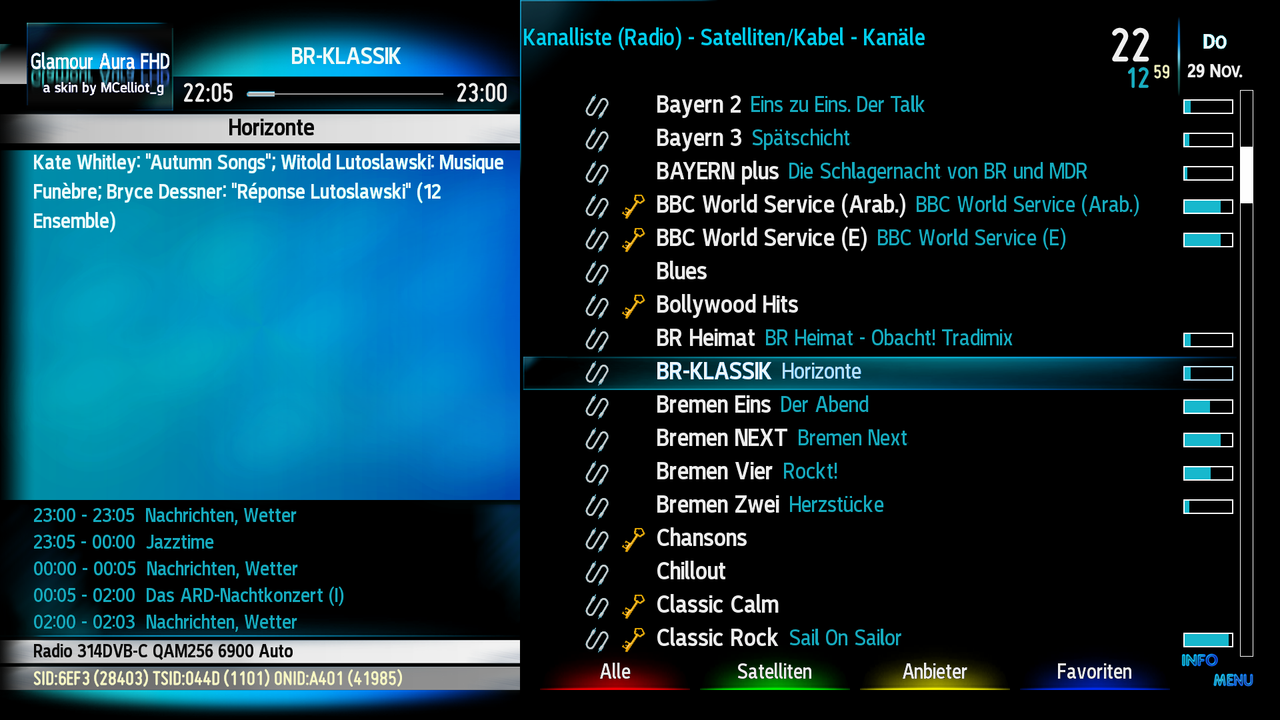
GLAMOUR AURA FHD version B.28 for OpenPLI/SDG images (update 27/11/2018)

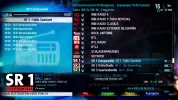
- Rearranged Channel Selection Radio screen and workaround to possible crashes after switching back to TV.
radioopenpli.webp


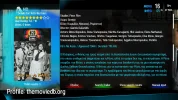
- Added support for TMDB plugin
tmdb.webp

- Various skin and python cosmetic fixes and optimizations

Download here (v.B.28) for OpenPLI and SDG images
MEGA


or via online update from the SDG images feeds
 
Could you please describe what to do if the former version is installed ?

I would do the following:
1. Stopping Enigma² by running init 2 in telnet.
2. Deleting /usr/share/enigma2/GlamourAuraFHD
3. Installing the new ipk.

Is this ok ?
 
None of the above.
If you had installed the skin from the SDG feed, just run an online update either via the menu or via telnet
opkg update && opkg upgrade.
If you had it installed manually from the previous IPK simply install the new IPK, it will do the job as it should.
 
I don't remember anymore so I will install the ipk, right ?
 
That should be OK!
 
Great. Works like a charm.
Many thanks :)
 
I am having issues. Installed via opkg but getting this... on ATV.

Information and side bars seem to be missing...
 

Attachments

  • Untitled.webp
    Untitled.webp
    68.9 KB · Views: 12
You installed the openpli version into ATV?
 
....and this is a personal preference but I do make a slight change to the skin's font...This is OpenSans-Regular.

1_0_19_A00_18_44_300000_0_0_0.webp
 
No problem. During Christmas I will begin supporting Atile HD which will give the OpenATV users the ability to customize the skin, so new fonts will be added anyway.
BTW, I would love some new screencaps from the Blindscan screens, as I made some more slight cosmetics there, and I have no clue how they look exactly!
 
Now I have another question:

In Radio mode is there any indication if a station is transmitting in Stereo or Mono ?
 
The first icon! Bare in mind that the skin can only show what Enigma2 reports! Also Enigma2 assumes that AC 3 is multichannel thus not stereo!
 
Which one is the first icon ? The one over CO and BI ?

Here are two screenshots I made before:


Last edited:
Now I see your first screenshot in #24. Right of the picon there it is but instead of these data here nothing appears. Seems that I have deactivated something in the settings but what ?

 
Set Hide channel list in radio mode to Off in the User Interface Menu!
BTW I saw something to be fixed in the channel selection in DVB-C!
 
Back
Top