Zip-files

MrDish1

Member
My Satellite Setup
Delta Star
My Location
Qth:Aalten
Hello members;

On the Internet there is information on how to create and send Zip files, but I don't understand much about it yet. Who can give me text and explanation, if necessary with photos or images how I should work.

Best regards
 
If using Windows right-click the file or folder, select Send to, then select Compressed (zipped) folder. That should create a zip file in the same directory.
 
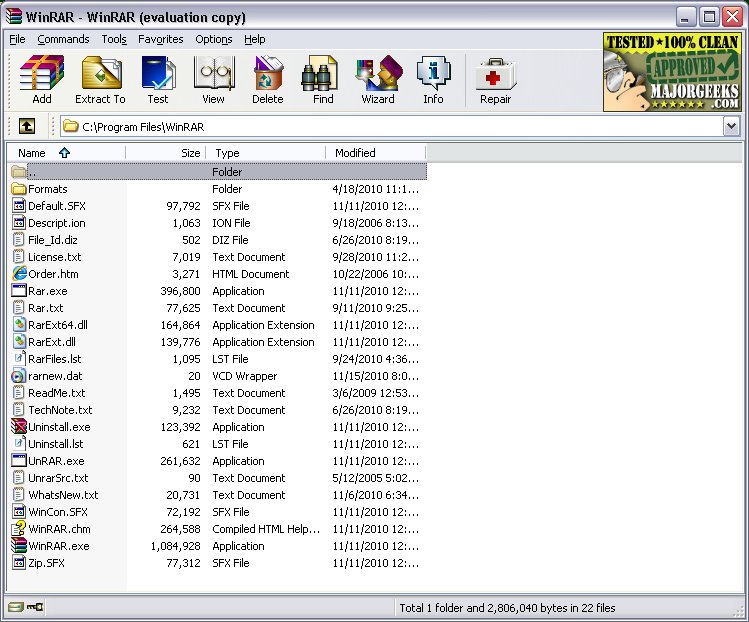
You might find something like winrar (which also zips files) gives a quicker result.

 
If using Windows right-click the file or folder, select Send to, then select Compressed (zipped) folder. That should create a zip file in the same directory.
Which one should I get from the list?
 

Attachments

  • Zip-bestanden comprimeren.webp
    Zip-bestanden comprimeren.webp
    92.4 KB · Views: 9
Which one should I get from the list?
I don't understand Dutch(?) but I'd guess Kopiëren naar. The real question may be why do you need to compress a 7kb file?
 
You might find something like winrar (which also zips files) gives a quicker result.

Personally (as do many others) I use 7Zip because its free, well proven and it works, whereas, IIRC, Winzip might well ask you to pay a trial period. Been using 7Zip for years on all my PCs (in fact, its one of my default set of Apps to install on any new PC).

As for why you'd need to zip a 7kb file, I can only speculate that "something" at the "other end" expects to receive a zipped file in order for it to do whatever it "does" (??)
 
It's probably because the forum only accepts certain file types for upload. It looks like MrDish1 has a few applications installed but the built-in Windows tool will work fine for this purpose.
 
Back
Top